leakguard





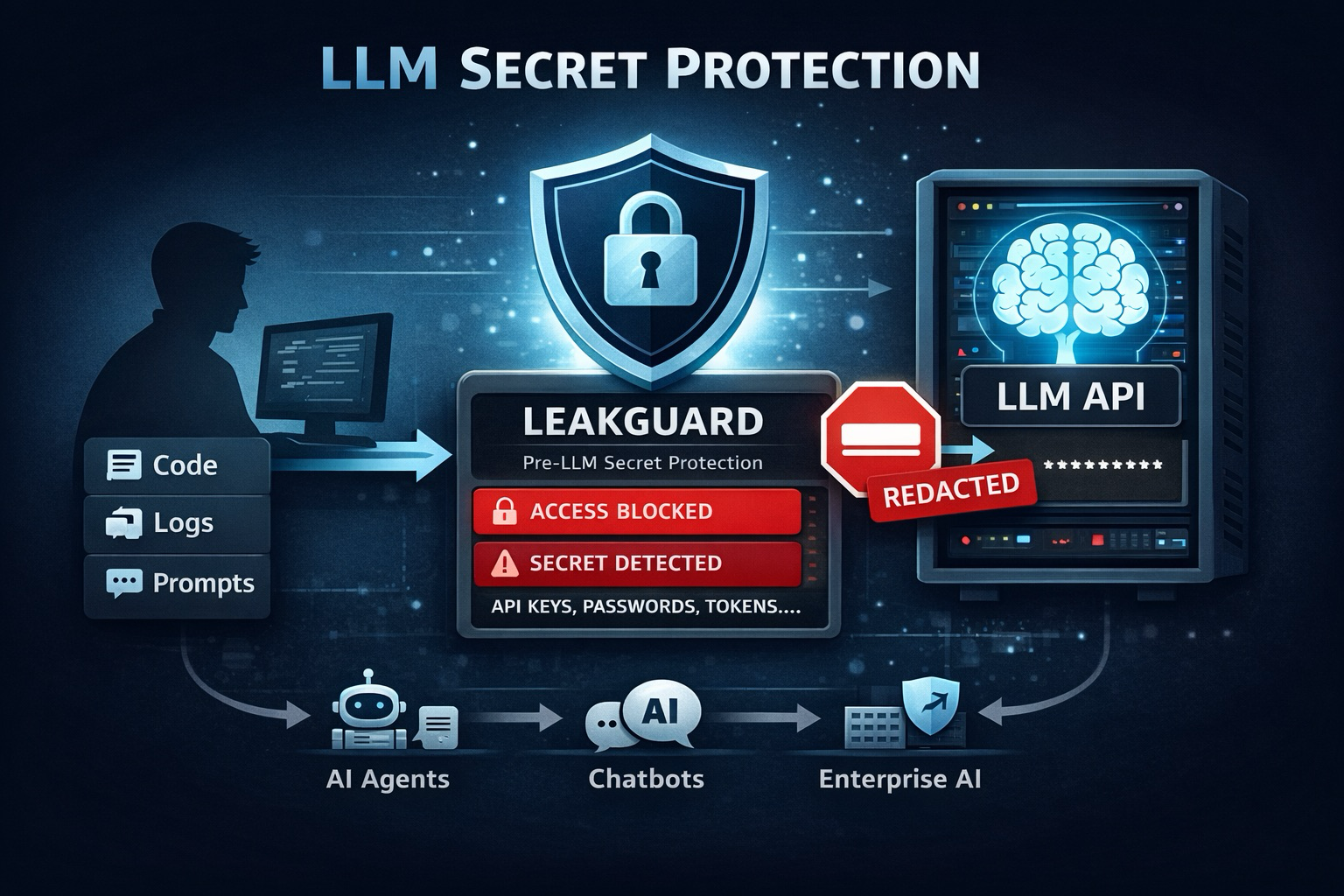
Fast, lightweight secret scanner for codebases (Rust CLI + Python package).
leakguard scans source files for accidentally committed credentials, tokens, and sensitive config values.
Why leakguard
- 104 built-in rules across cloud, LLM, database, HTTP auth, observability, and SaaS ecosystems
- Fast local scanning with sensible defaults
- CI-friendly outputs:
pretty,json,sarif,markdown - GitHub Actions summary support via
--github-summary - False-positive controls: inline ignore markers + rule-level disable in config
- Binary-safe scanning: non-text files are skipped
- Safe defaults:
.envfiles are excluded
Quickstart
Install from source
git clone https://github.com/adrian-lorenz/leakguard.git
cd leakguard
cargo install --path .
Install via pip
pip install leakguard-secret-leaks
leakguard check .
Use prebuilt binaries
Download the latest release from GitHub Releases.
| Platform | Binary |
|---|---|
| Linux x86_64 | leakguard-linux-amd64 |
| Linux ARM64 | leakguard-linux-arm64 |
| Windows x86_64 | leakguard-windows-amd64.exe |
| macOS Apple Silicon | leakguard-macos-arm64 |
chmod +x leakguard-linux-amd64
sudo mv leakguard-linux-amd64 /usr/local/bin/leakguard
CLI
Common commands
# Scan current directory
leakguard check

# Scan specific path
leakguard check --source ./src

# JSON for automation
leakguard check --format json

# SARIF for GitHub code scanning
leakguard check --format sarif

# Markdown report (useful for CI summaries)
leakguard check --format markdown

# Show warning-level findings in details
leakguard check --warnings

# Verbose file-level logging
leakguard check --verbose

# Max file size in KB (default: 1024)
leakguard check --max-size 512

# Use custom config file
leakguard check --config /path/to/leakguard.toml

# Write GitHub Actions job summary
leakguard check --github-summary

# Show all built-in rules
leakguard rules

# Create default config
leakguard init-config
Exit codes
| Code | Meaning |
|---|---|
0 |
No findings, or only LOW / WARNING findings |
1 |
At least one CRITICAL, HIGH, or MEDIUM finding |
Python API
Use leakguard as a library, for example before sending text to an LLM:
from leakguard import scan_text, scan_text_dict, replace_text

findings = scan_text("My API key is sk-proj-abc123xyz...")
for f in findings:
    print(f.rule_id, f.severity, f.secret, f.secret_hash)

# Disable specific rules for this call
findings = scan_text("...", disable_rules=["http-insecure-url"])

# Optional replacer for secret output
findings = scan_text("...", replace_secret_with="[MASKED]")

# Directly sanitize text before sending it to an LLM
safe_text, replaced_any = replace_text(
    "My API key is sk-proj-abc123xyz...",
    replacement="[MASKED]"
)
if replaced_any:
    print("Secrets were replaced before LLM call")
Finding fields:
rule_id, description, severity, line_number, line, secret, secret_hash, tags
Pydantic (dict-ready)
from pydantic import BaseModel
from leakguard import scan_text_dict

class Finding(BaseModel):
    rule_id: str
    description: str
    severity: str
    line_number: int
    line: str
    secret: str
    secret_hash: str
    tags: list[str]

rows = scan_text_dict("My API key is sk-proj-abc123xyz...")
findings = [Finding.model_validate(row) for row in rows]
Configuration
Generate a config file:
leakguard init-config
Default leakguard.toml:
[scan]
# Empty means all files except .env and .git
extensions = []
exclude_paths = []
exclude_files = []

[rules]
# Example: disable = ["jwt-token", "http-insecure-url"]
disable = []
Auto-loading behavior:
leakguard.tomlin the current working directory is loaded automatically.
Suppression and false positives
Inline suppression markers on a line:
api_url = "http://internal-service/api" # leakguard-ignore
Supported markers:
# leakguard-ignore# noqa-secrets# nosec-secrets
Built-in false-positive filtering includes patterns such as:
- templated values (
{DB_PASSWORD},%(password)s) - shell variable references (
$DB_PASSWORD) - attribute references (
settings.DB_PASSWORD) - localhost URLs (
http://localhost:8080)
Detection coverage
Current built-in categories include:
- Cloud / VCS: AWS, GitHub/GitLab, Google, Stripe, Slack, NPM, Docker Hub
- LLM / AI: OpenAI, Anthropic, Cohere, Mistral, Hugging Face, Groq, Perplexity, xAI, and related env leaks
- Azure / M365: tenant/app credentials, storage/service keys, Graph, Teams webhooks
- Databases / BaaS: PostgreSQL/MySQL/Mongo/Redis/MSSQL/JDBC, Supabase
- Observability: Datadog, New Relic, Grafana, Honeycomb, OTLP-related patterns
- HTTP/Auth: Bearer/Basic headers, credentialed URLs
- Crypto / Generic: PEM keys, JWT-like tokens, high-entropy secret assignments
Use leakguard rules for the complete, authoritative list.
GitHub Actions
Example workflow job:
jobs:
  leakguard:
    name: leakguard secret scan
    runs-on: ubuntu-latest
    permissions:
      contents: read

    steps:
      - uses: actions/checkout@v4

      - name: Install leakguard
        run: |
          curl -sSfL \
            https://github.com/adrian-lorenz/leakguard/releases/latest/download/leakguard-linux-amd64 \
            -o /usr/local/bin/leakguard
          chmod +x /usr/local/bin/leakguard

      - name: Run scan
        run: leakguard check --format markdown >> "$GITHUB_STEP_SUMMARY"
Alternative install method:
- name: Install leakguard
  run: pip install leakguard-secret-leaks
License
MIT — Copyright (c) 2026 Adrian Lorenz a.lorenz@noa-x.de